Home Automation from A to Z: The Definitive Guide to Understanding Protocols and Interconnectivity
Introduction: The Promise (and the Puzzle) of the Connected Home
You've just bought a smart bulb, a motion detector, and a voice speaker. In your mind, the goal is simple: "When I enter the room, the light turns on." Yet, during installation, you face a wall of technical jargon. They talk about Zigbee, 2.4GHz Wi-Fi, Matter, bridges, hubs, and closed ecosystems. You legitimately ask yourself: why is it so complicated?
Rest assured, this is a completely normal reaction. Home automation has evolved very quickly, and different brands have created their own rules. But understanding these rules is not just for engineers.
In this comprehensive guide, we will demystify home automation protocols, decipher ecosystems, and give you all the keys and expert tips to build a reliable, responsive, and, above all, obedient smart home.
1. What is a Home Automation Protocol? (The "Language" of Your Devices)
To put it simply, imagine your connected devices are people in a room. The protocol is the language they use to talk to each other. If your sensor speaks "Zigbee" and your internet box speaks "Wi-Fi," they won't understand each other without a translator (called a "Hub" or "Gateway").
Today, there are three main families of protocols that dominate the market.
⚡ Zigbee: The Champion of Stability and Energy Efficiency
Zigbee is currently the undisputed star of home automation. Why? Because it was invented specifically for the connected home.
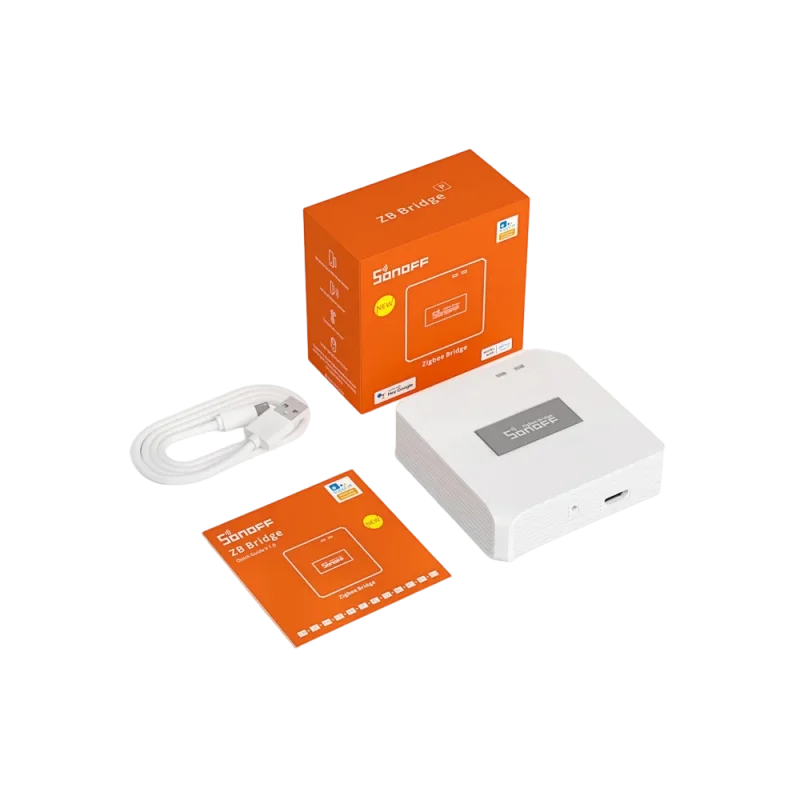
To group and control all your compatible devices, purchase the Zigbee Bridge Pro Gateway

-
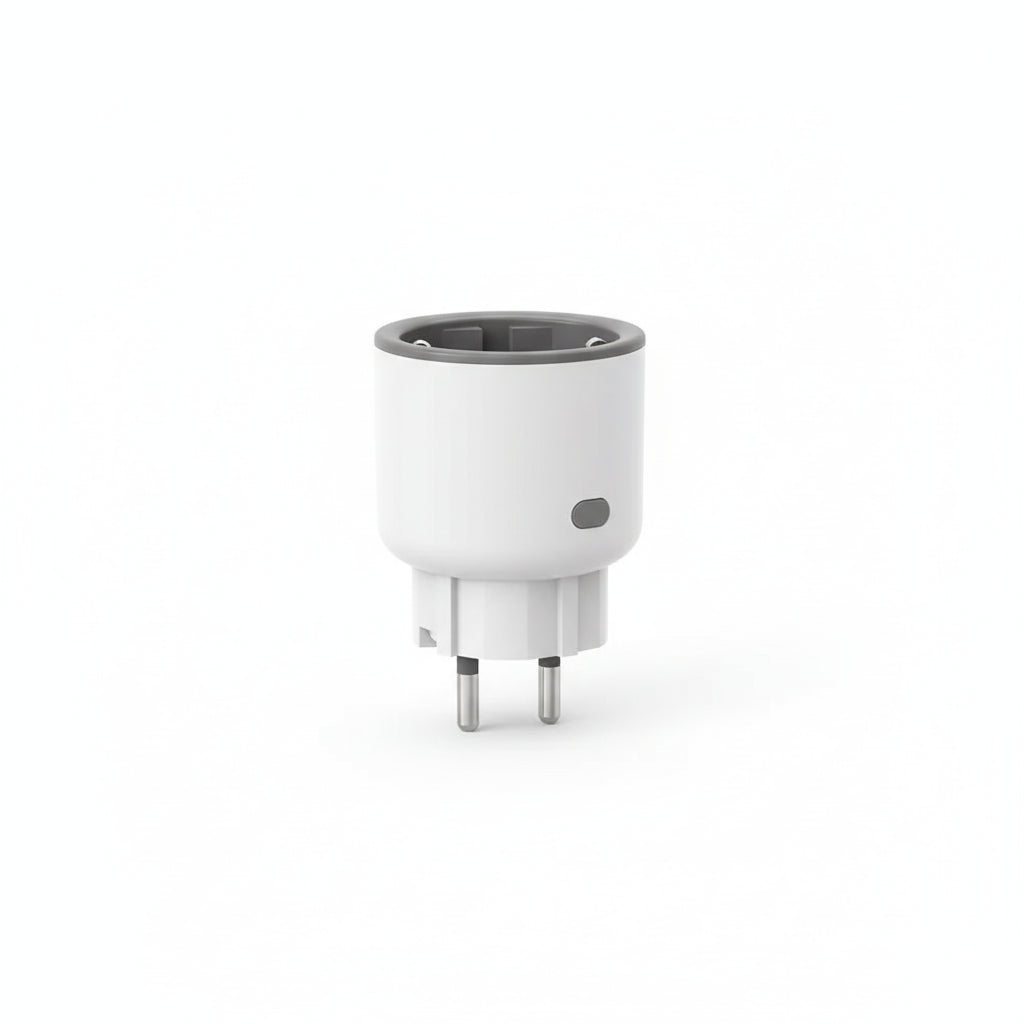
Mesh network: Unlike Wi-Fi where every object needs to connect to the internet box, Zigbee uses your plugged-in devices to repeat the signal. The more devices you have, the stronger your network.
-
Low consumption: A Zigbee-powered sensor can last several years on a simple button cell battery.
-
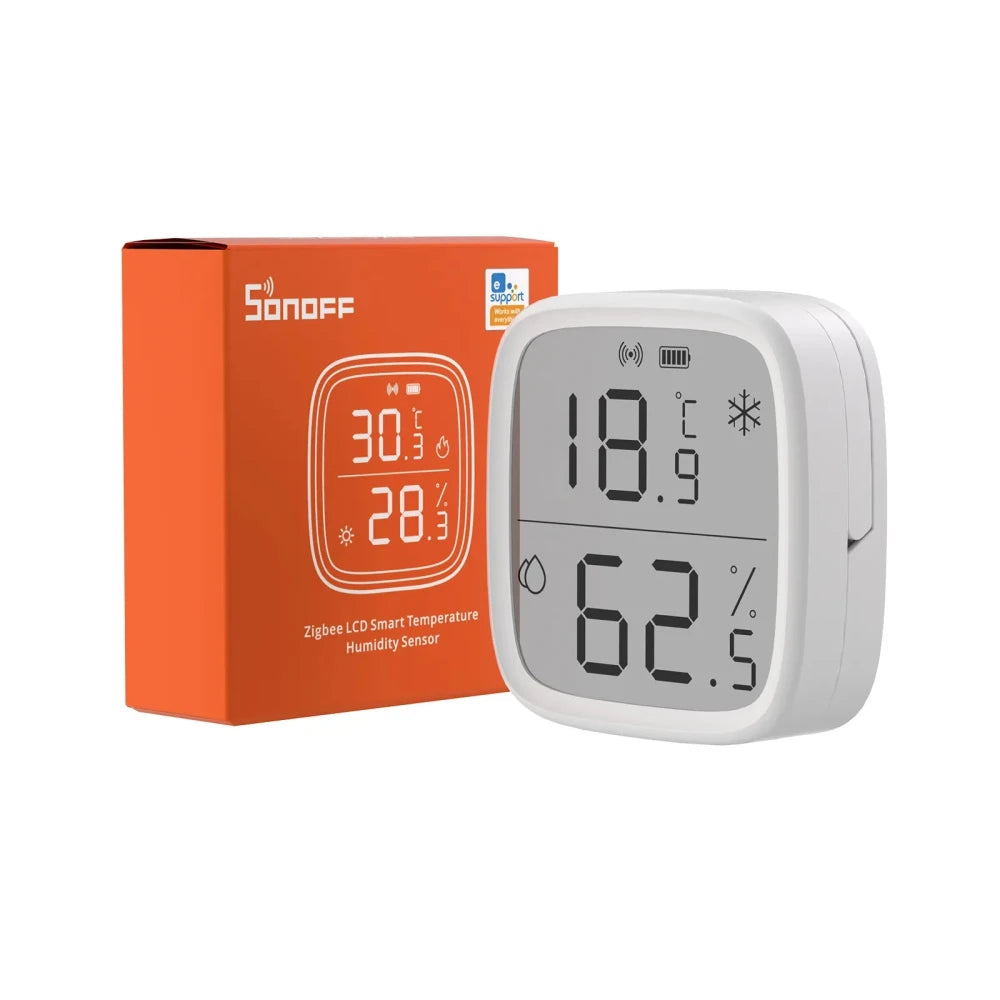
Key products: Zigbee is ideal for detection and lighting. For example, the open/close sensor or the communicate perfectly with the to intelligently regulate your heating.
📶 Wi-Fi: Power for Large Data Volumes
The is what you already know. Your devices connect directly to your internet router.
-
Advantage: No additional hub required. It's ideal for starting at a low cost.
-
Disadvantage: It consumes a lot of energy (battery-powered devices run out quickly) and can overload your internet box if you have more than 30 connected devices.
-
Key products: Reserve Wi-Fi for plugged-in devices that need to transmit a lot of data, such as security cameras. The or the are perfect examples.
🌐 Matter & Thread: The Esperanto of Home Automation (The Future)
Historically, an Apple HomeKit product didn't work with Google Home. The tech giants have finally agreed to create .
-
Matter is a universal language. If a product bears the Matter logo, it's guaranteed to work with Apple, Google, Amazon, and Samsung.
-
Thread is the radio technology (similar to Zigbee) that often carries the Matter language in an ultra-fast and local way.
2. Protocol Comparison Table: Which One to Choose?
3. Ecosystems: The Brains of the Operation
If the protocol is the language, the ecosystem is the conductor. It's the app on your smartphone or the software that allows you to create your scenarios ("If motion detected, turn on the light").
A. The Tuya / Smart Life Universe (Accessible Simplicity)
This is the largest ecosystem in the world. Thousands of factories use this application for their products.
-
Strong point: You can buy products from very different brands (like the sublime ) and group everything together in the same application. Visit our to discover compatible products.
B. Voice Assistants (Popularization)
Amazon Alexa, Google Home, and Apple HomeKit. They serve as a friendly "overlay." You link your Tuya or eWeLink (SONOFF) accounts to Alexa, and you control your home with your voice.
C. Home Assistant (Absolute and Local Power)
This is the ultimate ecosystem. Open-source, no cloud subscription, and privacy-friendly.

-
Strong point: It can make ALL your devices communicate with each other locally, even if the internet goes down.
-
How to get started? Buy the Home Assistant Green! No more complex DIY, opt for the . Plug it in, and it automatically detects your equipment. Pair it with a Zigbee USB dongle to control all our SONOFF and MOES products directly!
4. 💡 Expert Tips for a Flawless Installation
To help you avoid beginner mistakes that cost time and money, here are our best recommendations:
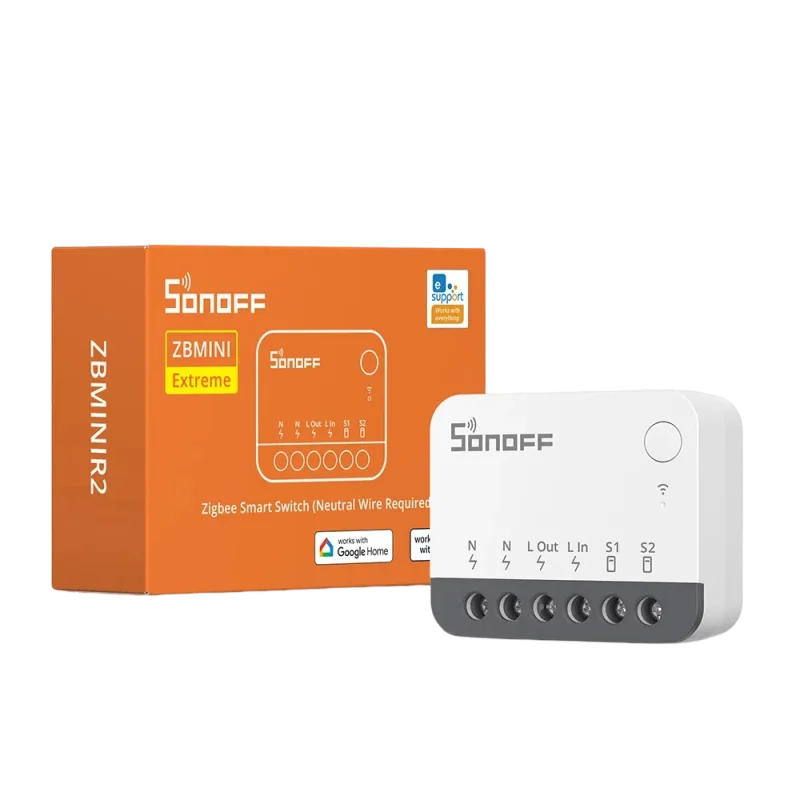
Tip #1: The secret of Zigbee mesh (Routers vs. End Devices) If your distant sensors disconnect, your mesh is weak. Battery-powered devices (like the ) are terminals ("End Devices"). To extend the network, you need to add "Routers." The solution: Install 230V powered modules with a neutral wire, such as the behind your switches. They will act as signal amplifiers for the whole house.
Tip #2: The "No Neutral Wire" Trap In many old houses, switches only have the live wire, without a neutral wire (the blue wire). Many people buy incompatible smart modules and get stuck. The solution: Check your wiring! If you don't have a neutral wire, use exclusively ultra-compact modules designed for this, such as the famous .
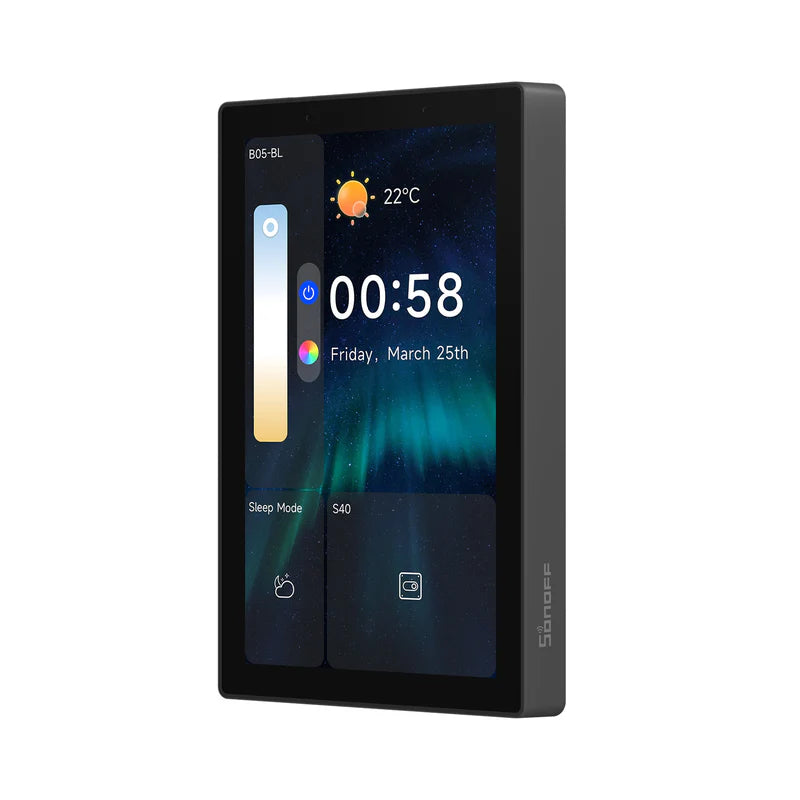
Tip #3: Aim for Local Execution Nothing is more frustrating than a light taking 3 seconds to turn on after entering a room because of a slow Cloud server. For responsiveness, centralize your devices on a hub that manages local control. The solution: Use a dedicated gateway like the , or better yet, equip your wall with a which directly integrates the Zigbee hub and allows you to control everything without using your phone.
5. Examples of Successful Interconnectivity
How do these protocols work together in real life? Here are two scenarios you can replicate at home:
Scenario: Smart Intruder Alarm
-
Your camera (Wi-Fi) detects a human figure in the garden via its Artificial Intelligence.
-
The information is sent to your ecosystem (e.g., eWeLink or Home Assistant).
The ecosystem sends the command to your Zigbee network.
The ZBMINIL2 modules immediately turn on the living room lights to simulate presence, while the Zigbee Bridge Pro triggers its built-in siren.
Scenario: The Perfect Comfort Lighting
-
The (Zigbee) detects your presence in the hallway.
-
It checks its internal light sensor. If it's dark, it sends the turn-on command.
-
You remain still to read. The sensor takes over to detect your breathing and keeps the light on as long as you're there. No more gesturing required!
Conclusion: Take Control of Your Home
Building a smart home shouldn't feel like a complex computer science course. By understanding the distinction between the protocol (the language) and the ecosystem (the brain), you now have all the tools you need to make the right choices.
Our final recommendation? Don't mix too many Wi-Fi brands. Build a solid foundation with , use built-in modules so that intelligence becomes invisible, and let a central system like Home Assistant or Tuya handle the magic of scenarios.
Home automation should adapt to your habits, not the other way around. Explore our shop to find the sensors, modules, and gateways that will transform your daily life with ease!